
Paperlo
Fill it, sign it, send it
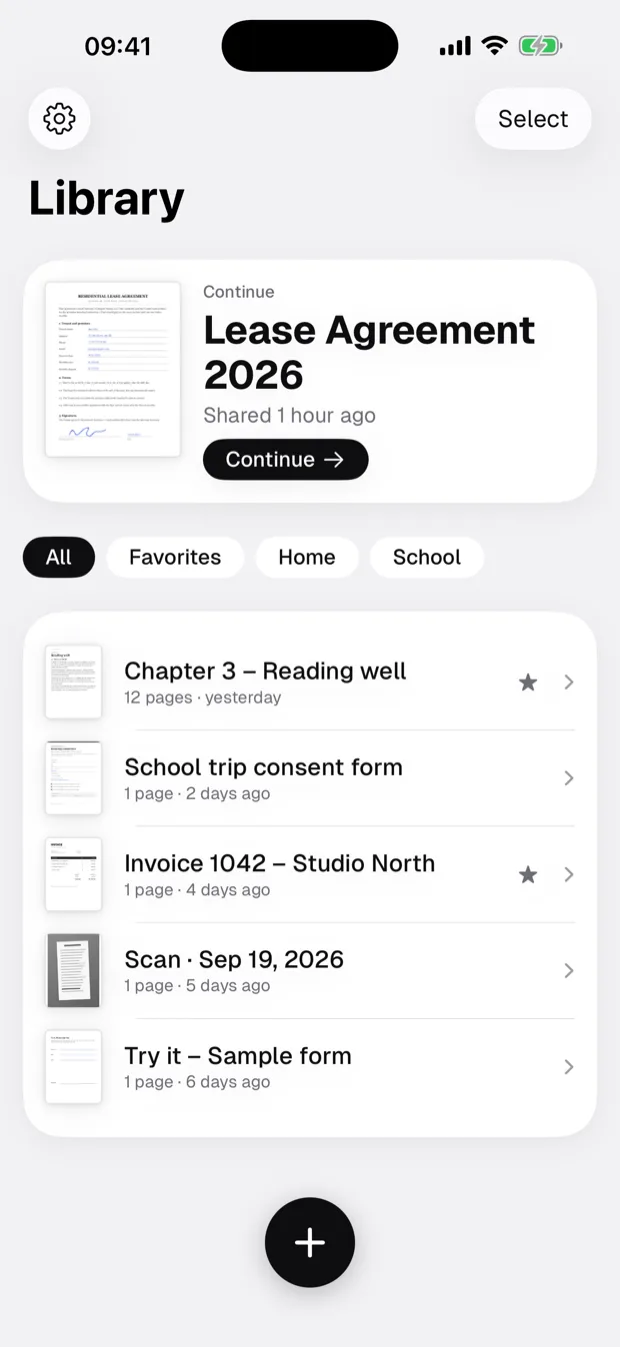
Paperlo reads, fills and signs the PDFs you already have, right where they live in Files. Every change is written to the file as you make it, so an hour of typing is never lost to a crash or a locked Save button.

- Fill and sign PDFs
- Saved as you go
- Read aloud
Fill it and sign it, without a printer.
A lease, a school form, a visa application: open it, fill it, sign it and send it back.
Open it where it lives
From Mail, Files or iCloud Drive. Paperlo works on the file itself; nothing is copied into a vault you cannot reach.
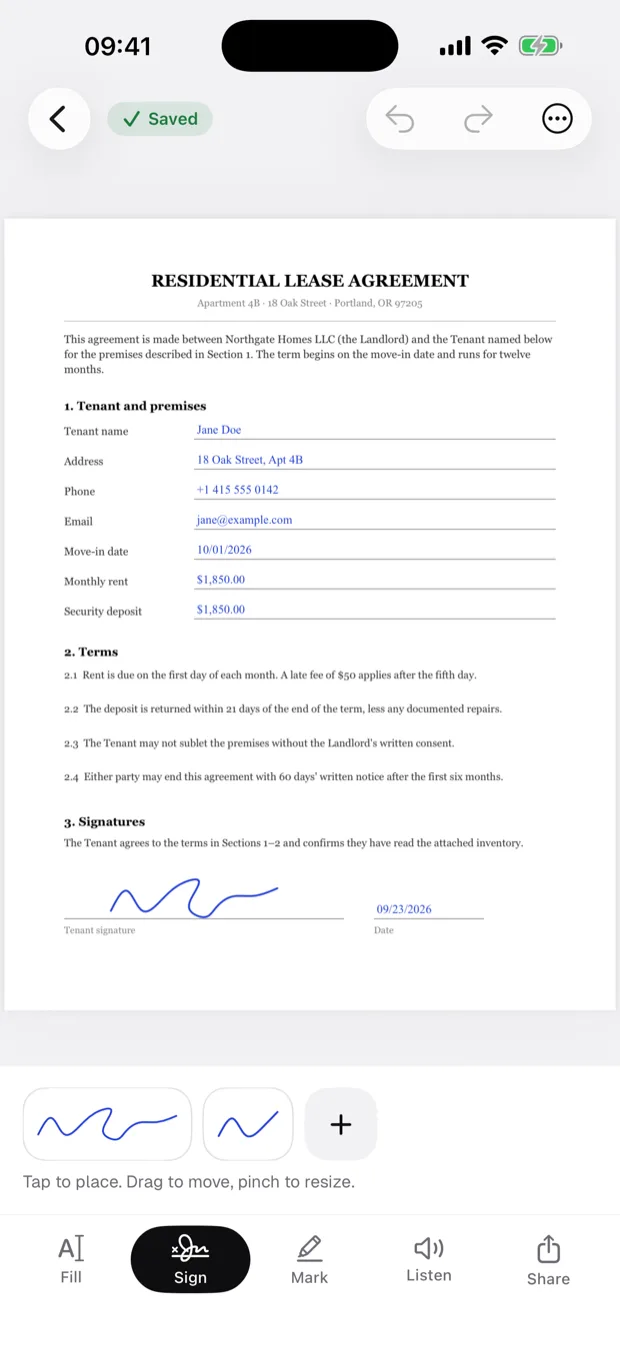
Sign in two taps
Draw your signature and initials once, place them, then drag and pinch them onto the line.
Fill without retyping
Type into form fields or anywhere on the page. Your name, email, address and today's date are one tap away.

More in the app
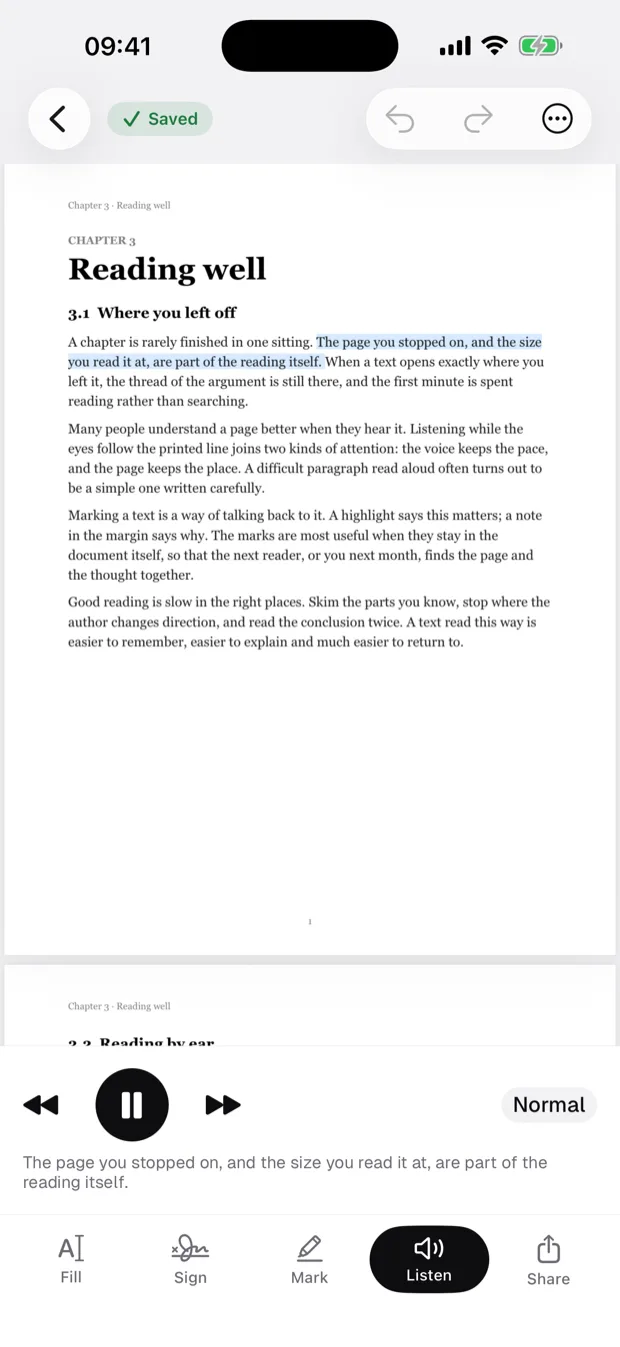
Hear any page
Read aloud in your language's best voice on your iPhone, with the sentence being read highlighted on the page.
Saved as you go
Every change is written to the file as it happens. Nothing waits for a Save button.
Pages and scans
Merge, reorder, rotate, pull pages out or shrink a file; scan paper or turn photos into a PDF.
Share a clean copy
Signatures and text are flattened into the page, so the copy you send looks the same everywhere.


