
Mirro
See it on your TV first
Mirro finds your smart TV on your Wi-Fi by itself and puts a test picture on it, so you know your TV can show it. Then your whole screen goes to the TV, with sound. No cable and no receiver app.

- Test picture first
- Sound on the TV
- No receiver app
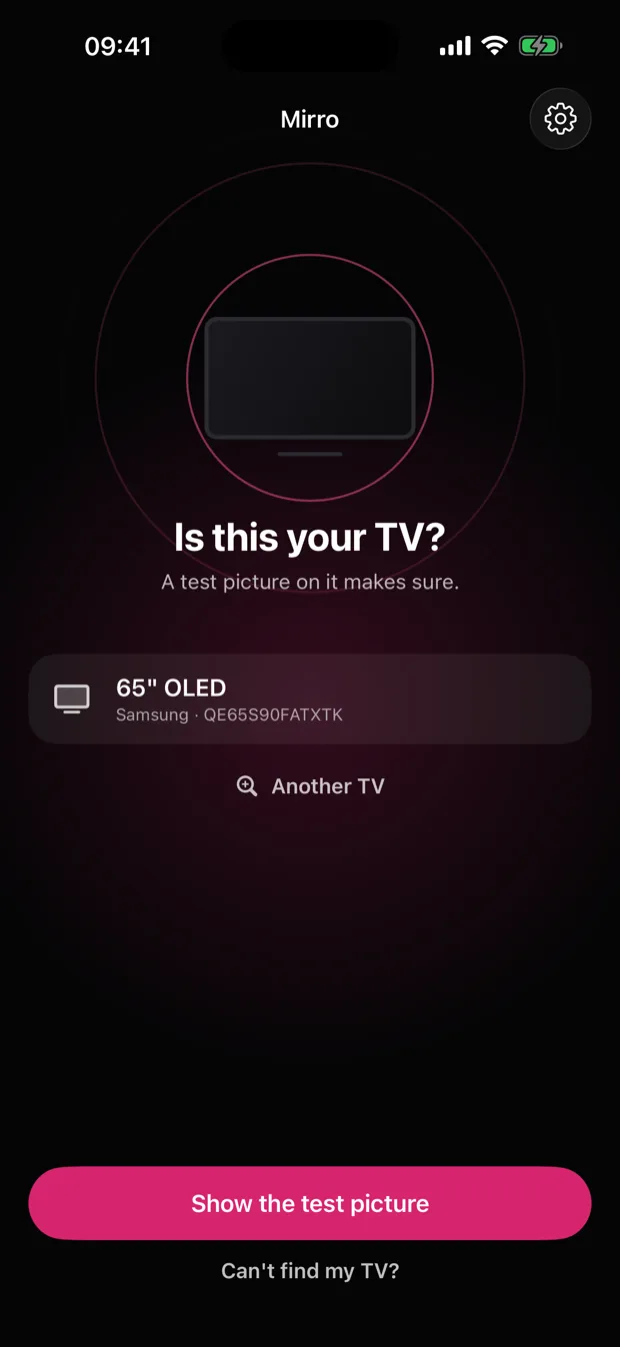
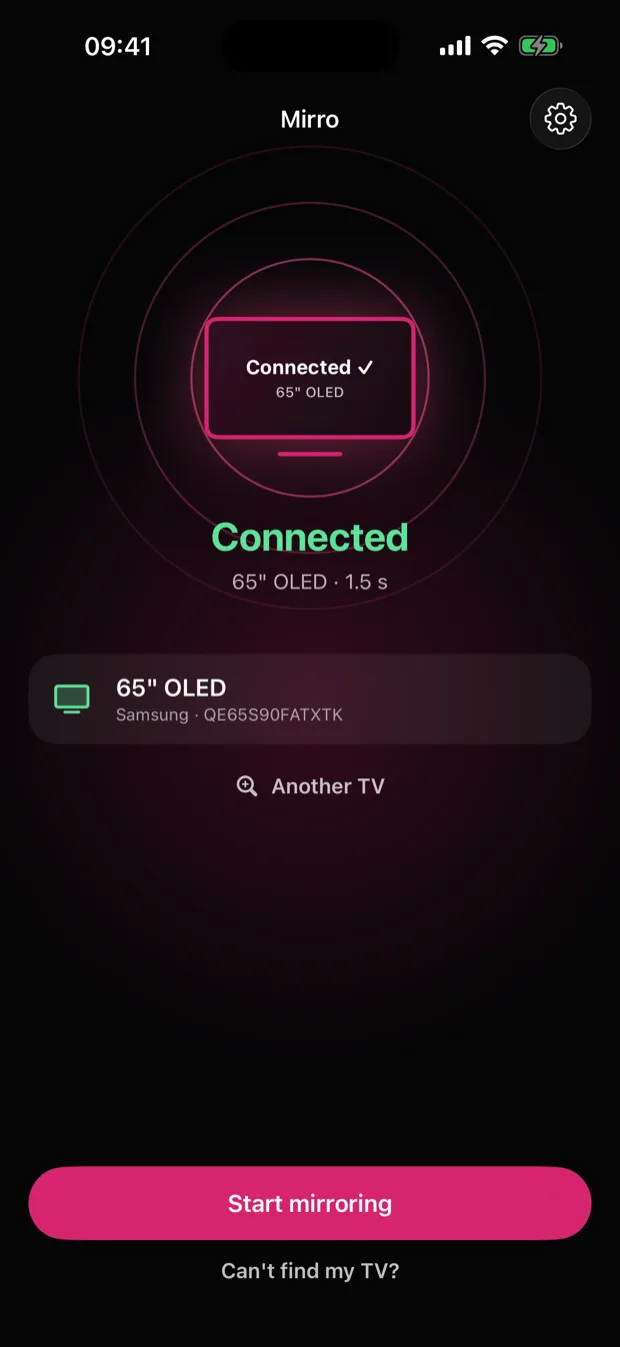
Same Wi-Fi. Your screen is on the TV.
No cable and nothing to install on the TV: your iPhone and your TV only need to be on the same Wi-Fi.
A test picture first
Tap your TV and Mirro puts a picture on it, with how long the TV took to answer. You know it works on your TV before you mirror anything.
Your whole screen, with sound
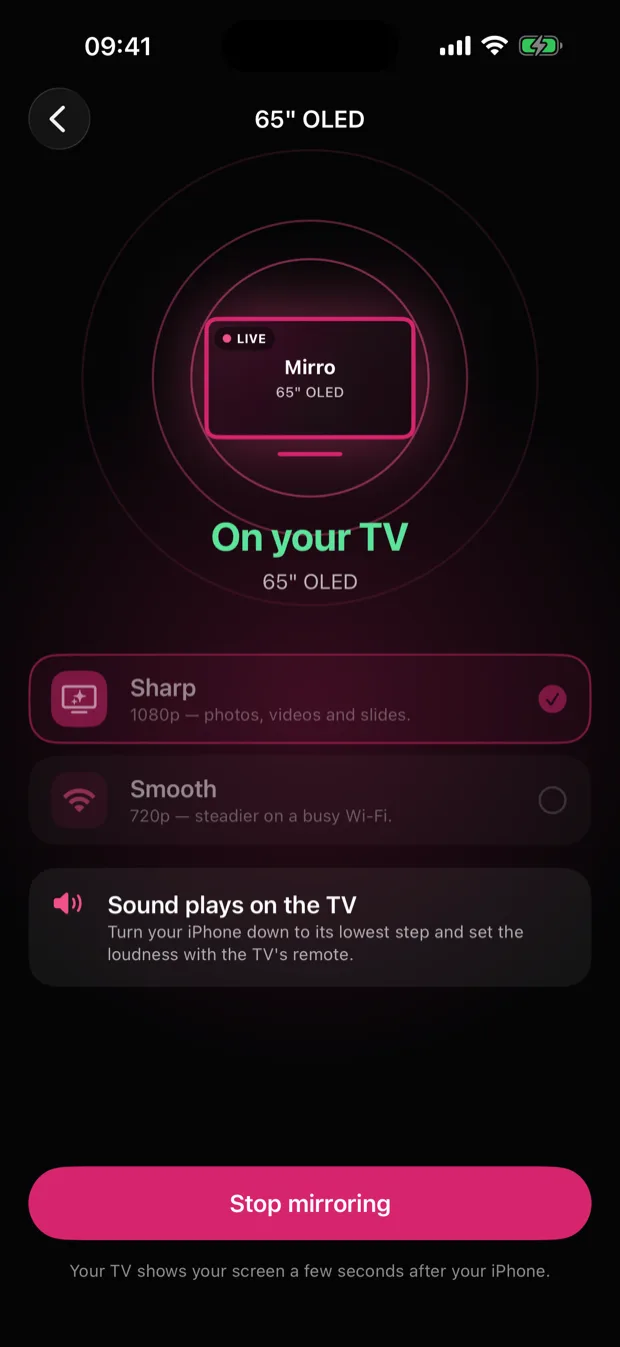
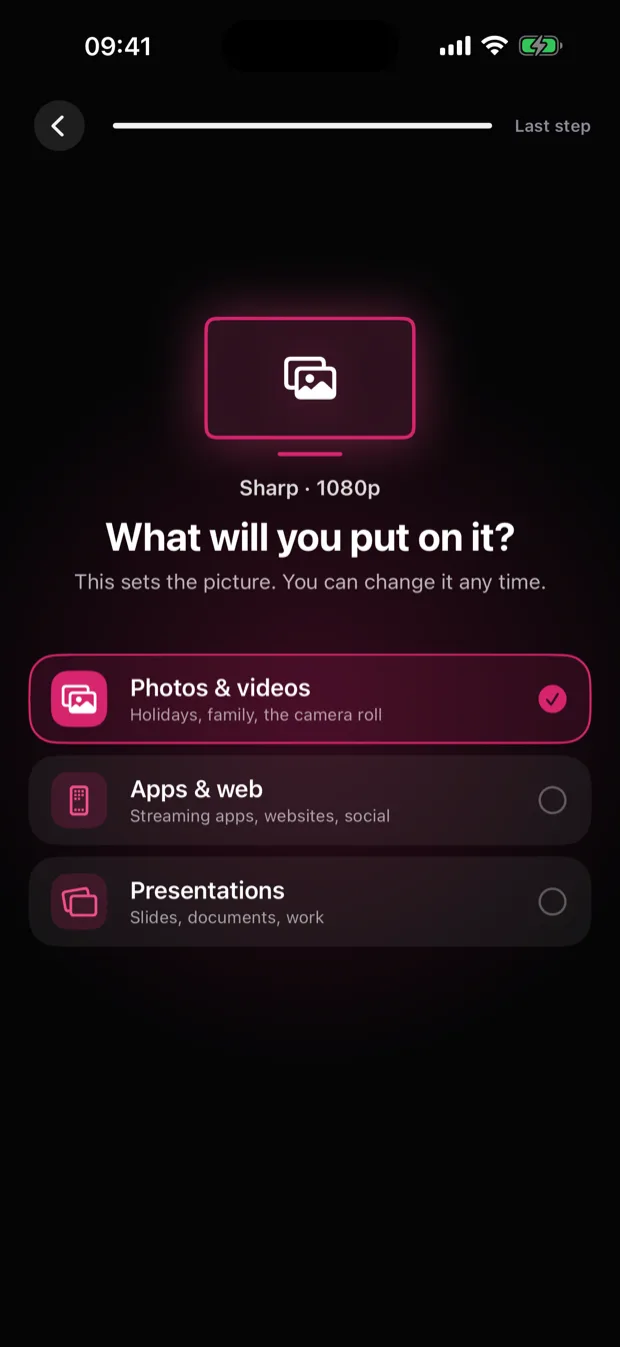
Photos, videos, web pages and slides go to the TV as you use them, and the sound plays on the TV. Sharp 1080p, or Smooth 720p on a busy Wi-Fi.
Found by itself, remembered
Mirro looks for your TV on your Wi-Fi as it opens, with no address to type. A TV you have used is remembered, so the next time is one tap.
More in the app
Works with DLNA TVs
Most smart TVs speak DLNA, the standard Mirro uses to play your screen through the TV's own player, with no receiver app to install. The test picture tells you whether yours does.
Honest about the delay
The TV shows your screen a few seconds after your iPhone. That is fine for photos, videos and presentations, and it is why Mirro is not made for fast games.
Help that tells you what to check
When a TV does not answer, a plain checklist says what to try, and a connection log you can send me with one tap shows what went wrong.


